Support
We usually reply within two working days. Please include your phone model and the lot (level) number.
How do I play?
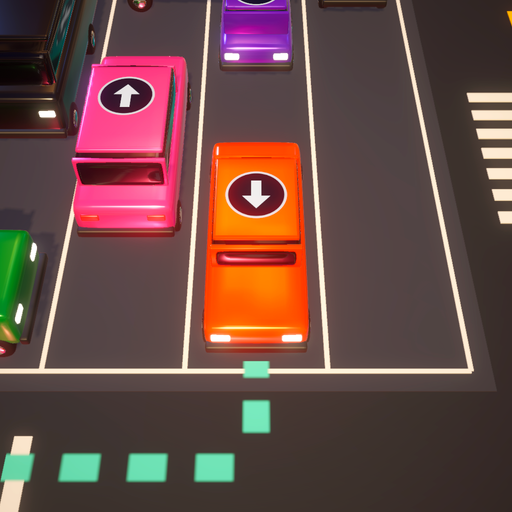
Each car drives only in the direction of the arrow on its roof. Tap a car to send it out of the lot; if another car or a cone is in the way it bumps and rolls back. Hold a car to preview its path first: green means clear, red means blocked. Clear every car to finish the lot.
What do the stars mean?
Finish a lot with no bumps for three stars, with up to two bumps for two stars, and with more for one star. On normal lots bumps are free and there is no timer. Hard and boss lots allow only three bumps; if you run out, call the tow truck, watch an optional video for three more bumps, or retry.
What are locks, sleepy cars and gates?
A locked car waits until the car holding its key has left. A sleepy car needs one tap to wake up before it can drive. A gate on the road opens after the number of cars shown on it have left the lot.
What is Rush Hour?
A new lot every day at midnight UTC, the same for every player. Clear it on consecutive days to grow your streak.
Will I lose my progress?
Progress is saved on your phone. Deleting the game removes it.
Ads and privacy choices
The game is free and shows ads from Google AdMob. Some ads are optional videos you choose to watch for extra bumps or double coins. Short ads between lots start only after lot 10, and never more than one every few lots. You can change your ad consent at any time in Settings → Privacy choices (shown in regions where it applies). See the privacy policy.